Keyword-based replies
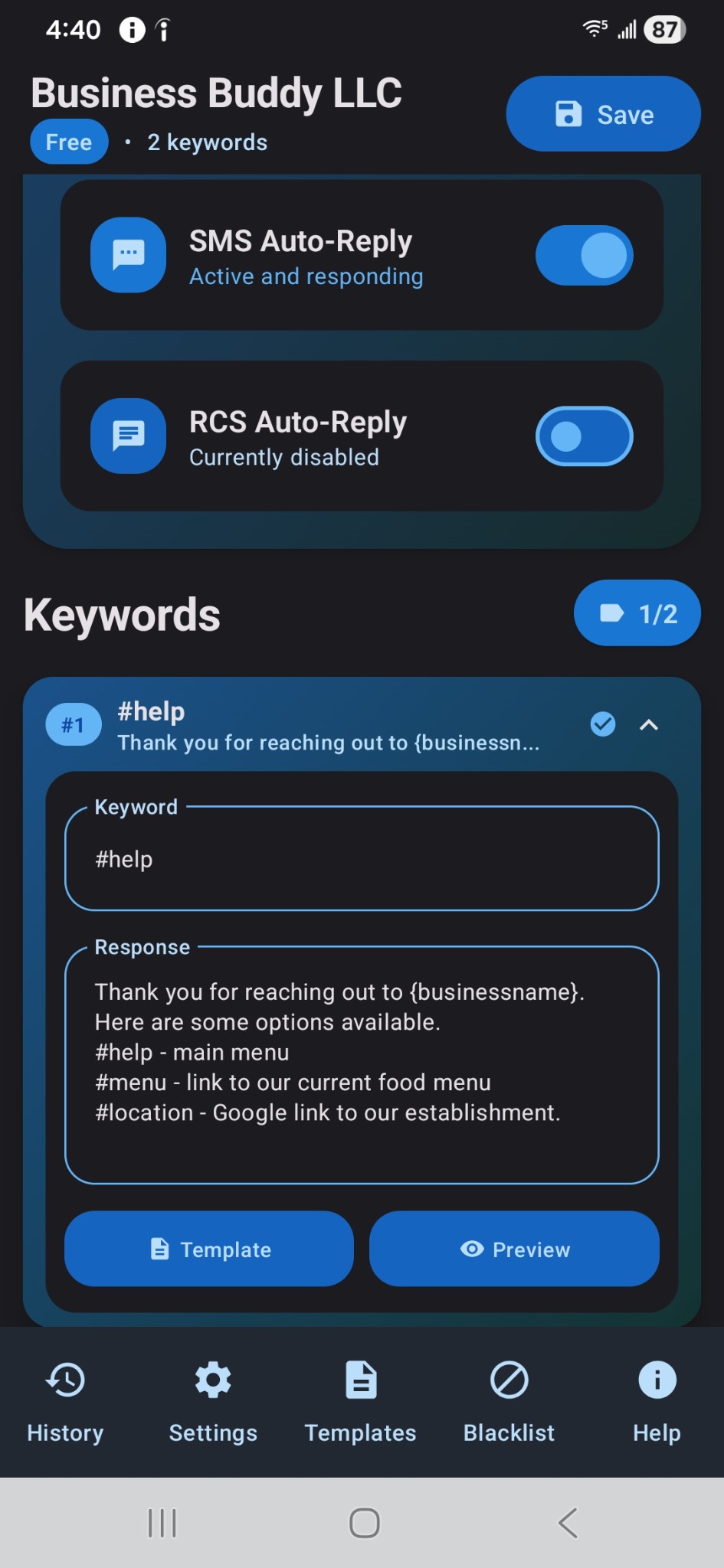
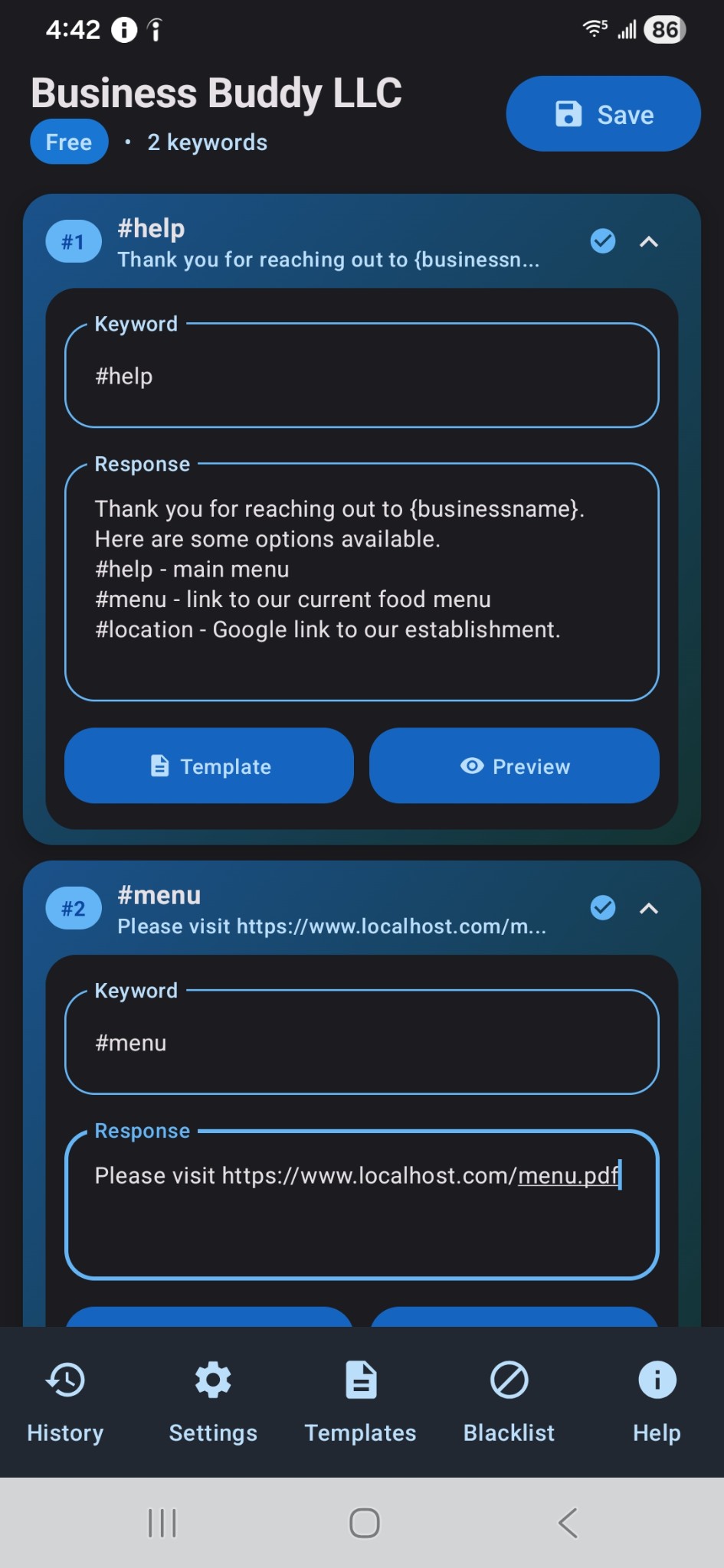
Set keywords starting with # that trigger automatic responses — ideal for FAQs, order status, and hours.
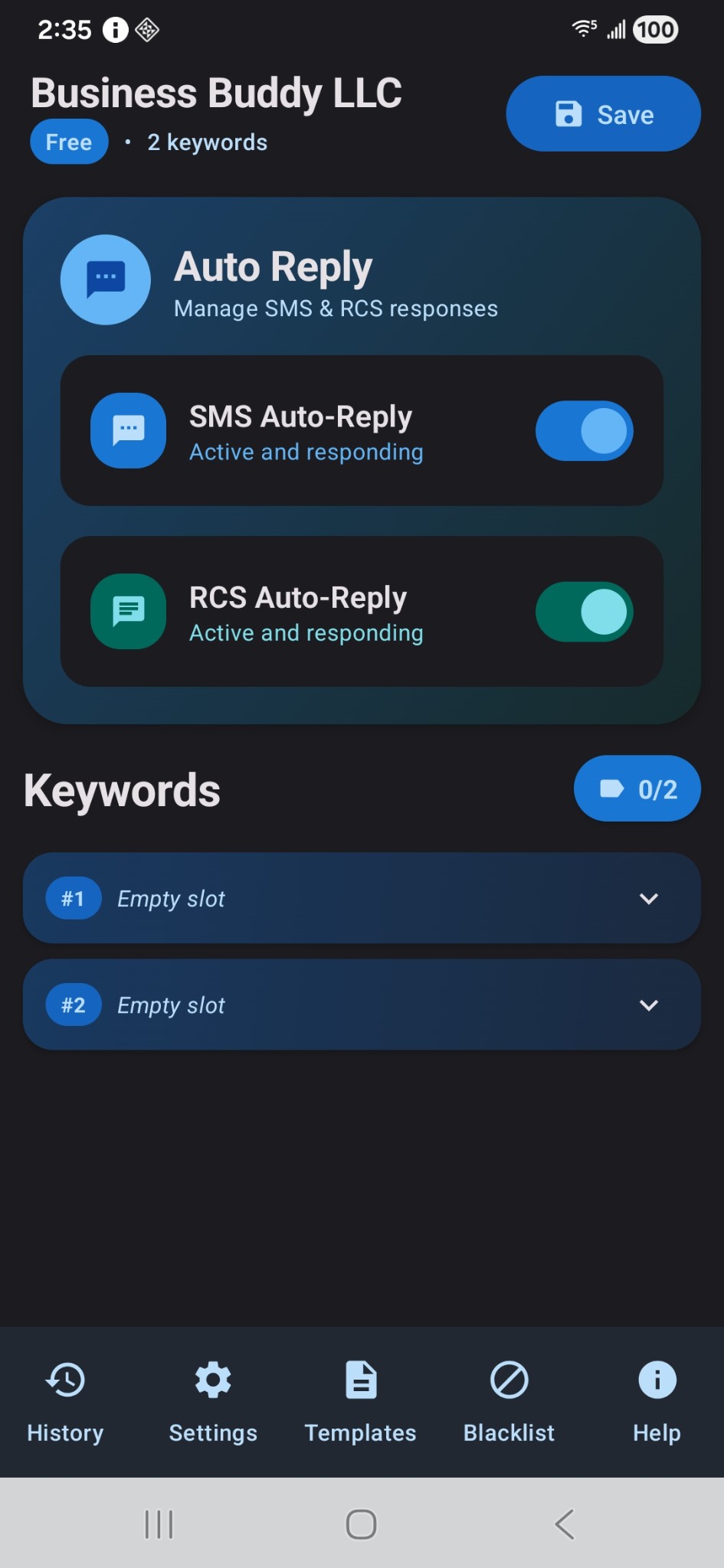
Keyword-based auto-replies for #HELP, #MENU, #HOURS, and more. Free to start — upgrade when you need more slots.
Everything you need to automate customer texts without losing the personal touch.
Set keywords starting with # that trigger automatic responses — ideal for FAQs, order status, and hours.
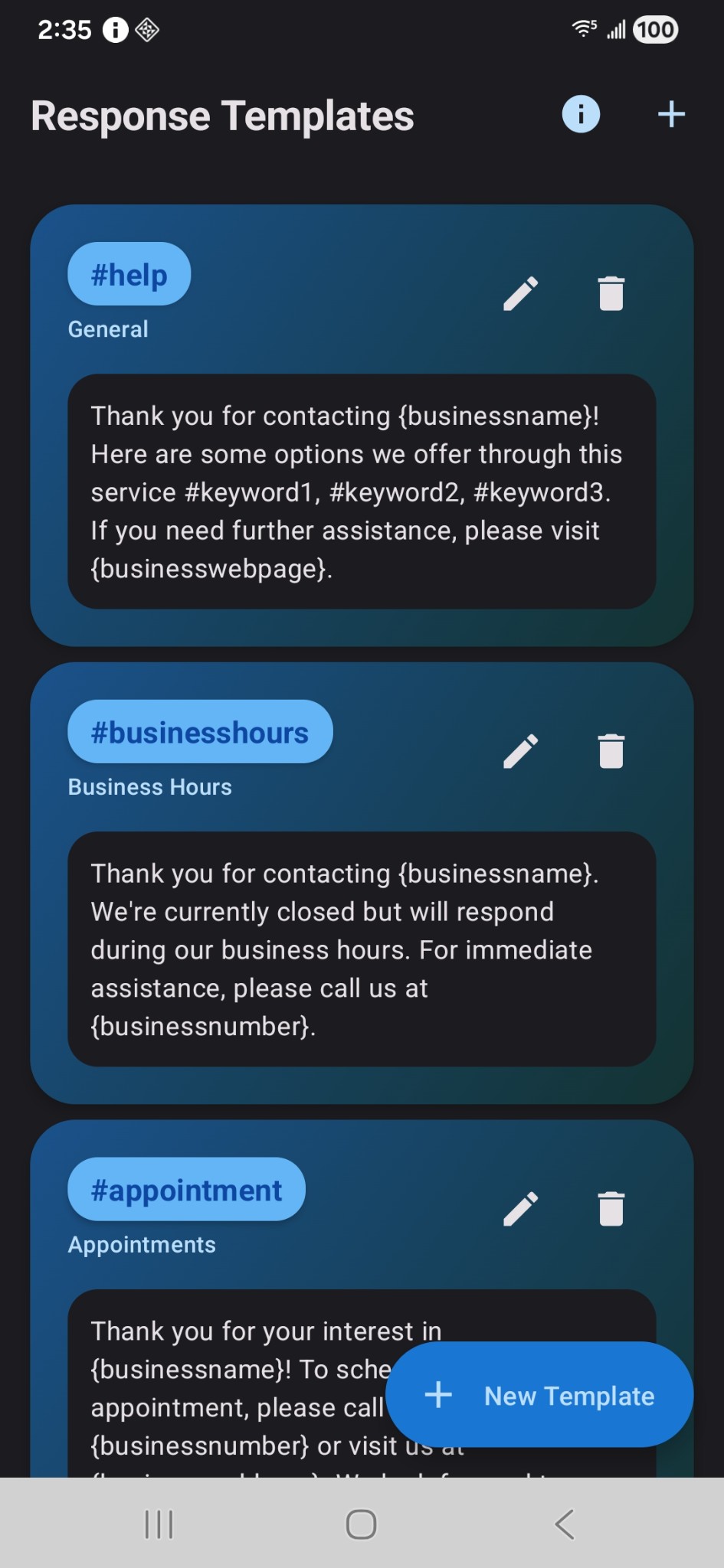
Use variables like {businessname}, {sendersname}, {date}, {time}, and {businesswebpage} for personalized messages.
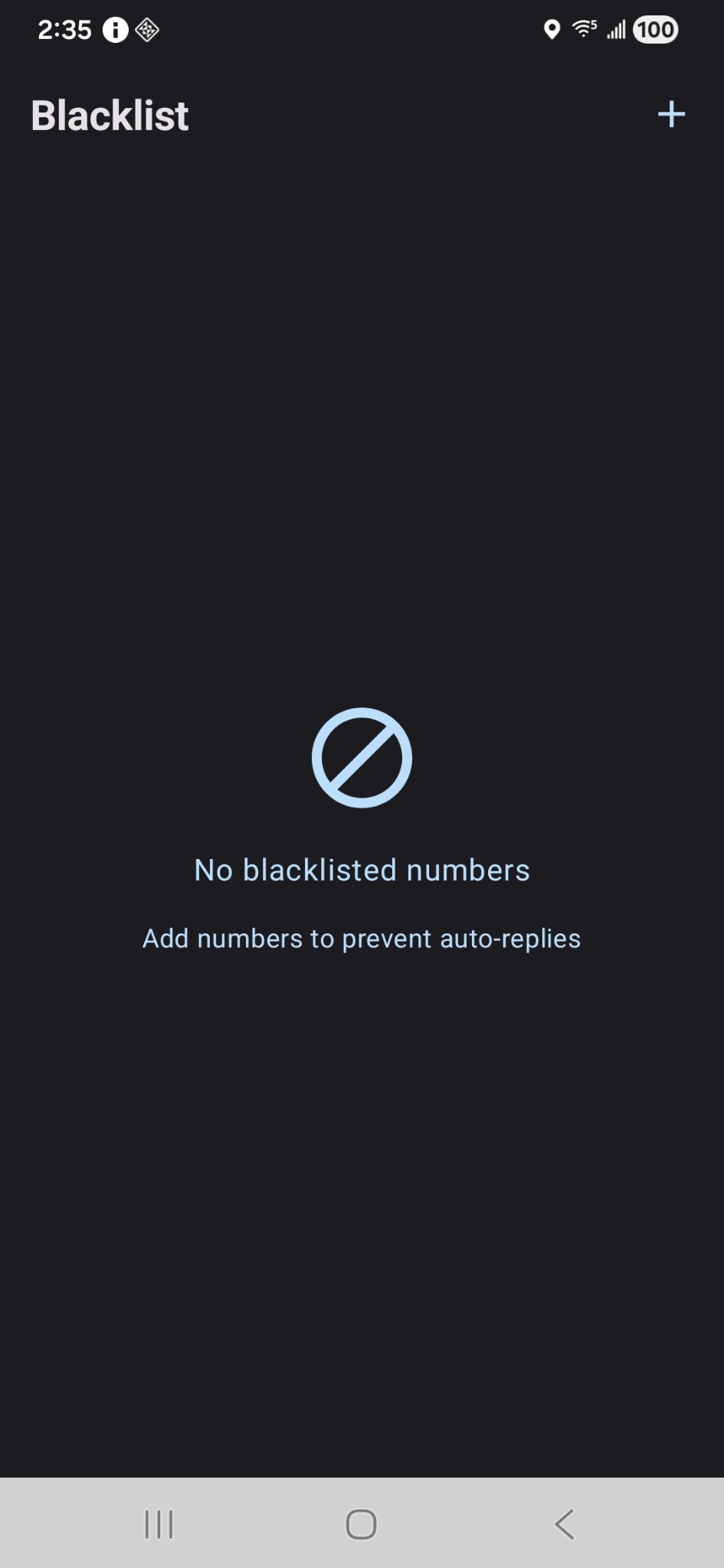
Block specific numbers from receiving auto-replies when you need tighter control.
Configure limits to prevent spam and keep message volume under control.
Add a short delay before sending so replies feel natural, not robotic.
View and export your message history to track incoming texts and sent replies.
Export and import settings, keywords, and templates so you never lose your setup.
Stay informed about important messages and system events with customizable alerts.
Unlock 30 keyword slots with a one-time in-app purchase. Secure activation — no subscription.
Android 8.0 (Oreo) through Android 15. Works on Samsung, Pixel, OnePlus, Xiaomi, and most modern phones.
Android 8.0
API 26
Android 15
API 35
SMS on all devices
RCS where supported
Tap any image to view it full size.
Splash Screen
Blacklist
Main Dashboard
Keyword #help
Keywords #help & #menu
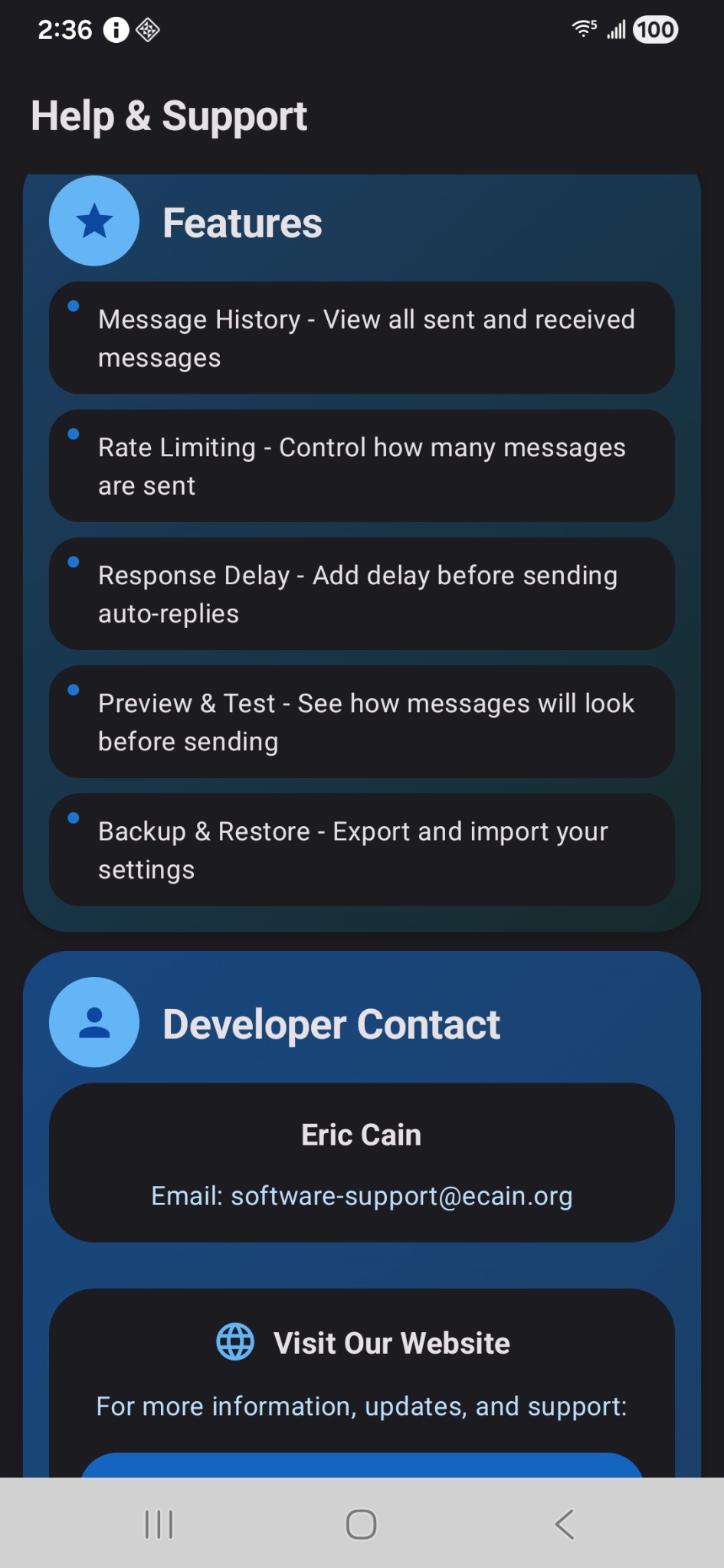
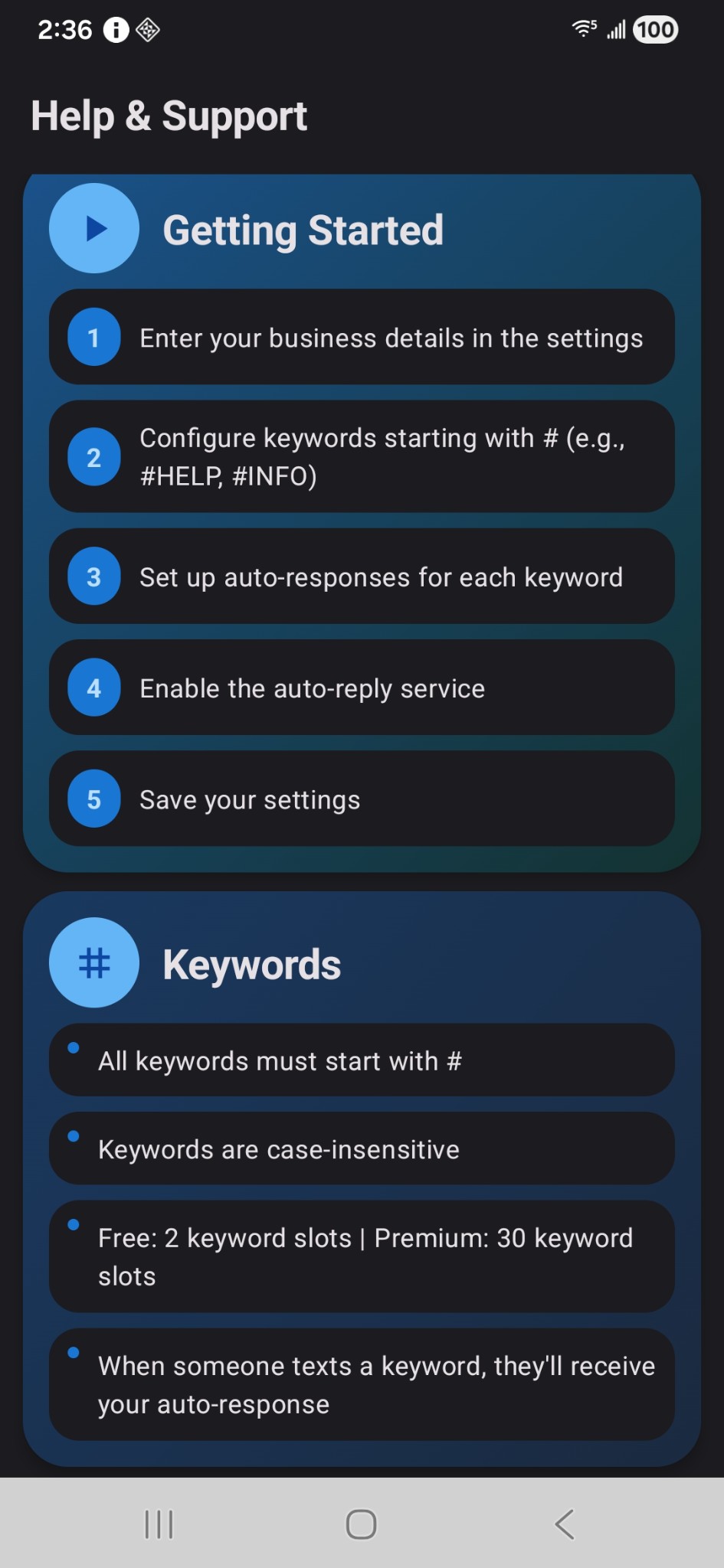
Help & Support
Response Templates
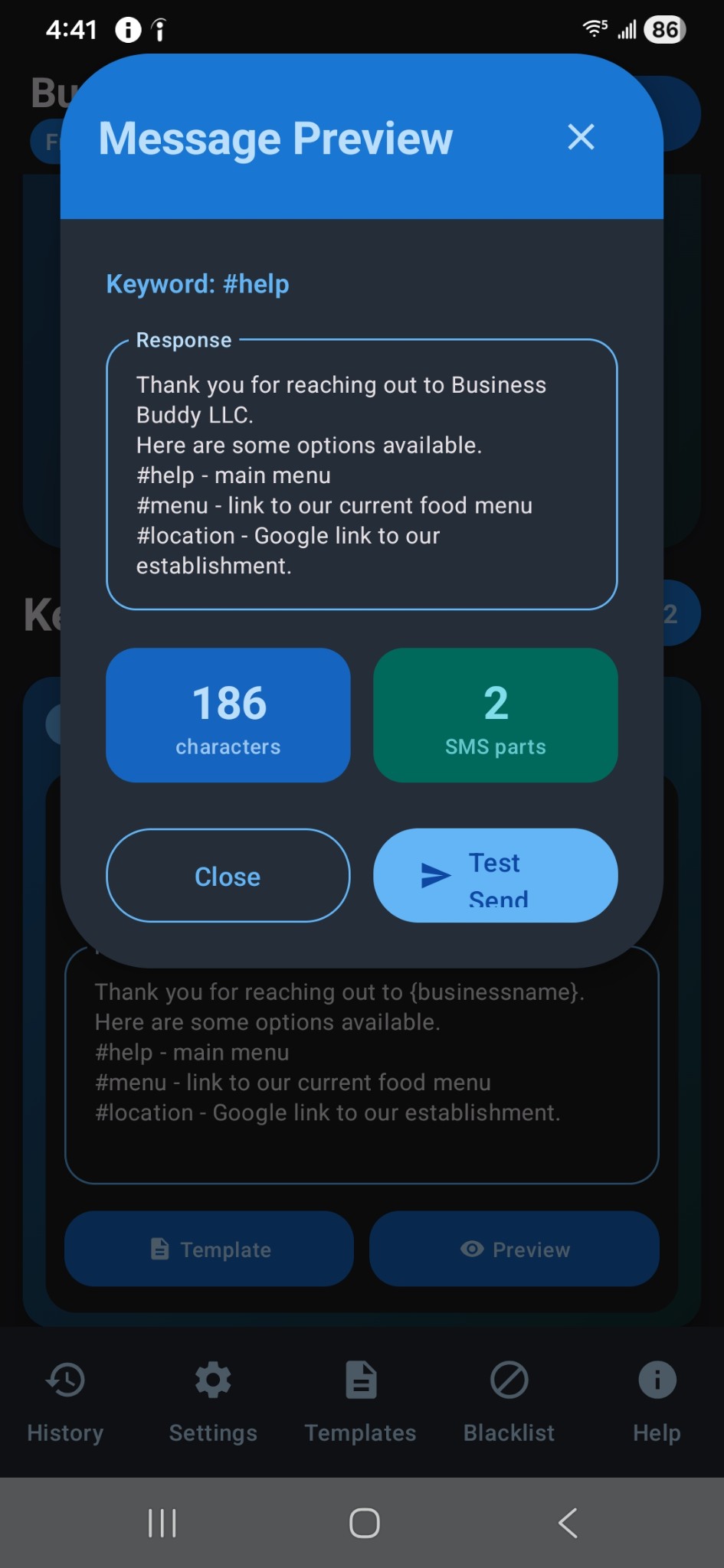
Message Preview
Getting Started
Start free. Upgrade when you need more keyword slots.